Documentation
Learn how Polypane improves your workflow
Dark and light mode
Polypane has a dark and light interface. You can toggle between them using ⌘ i, or by selecting "Toggle Dark mode" in the View menu.
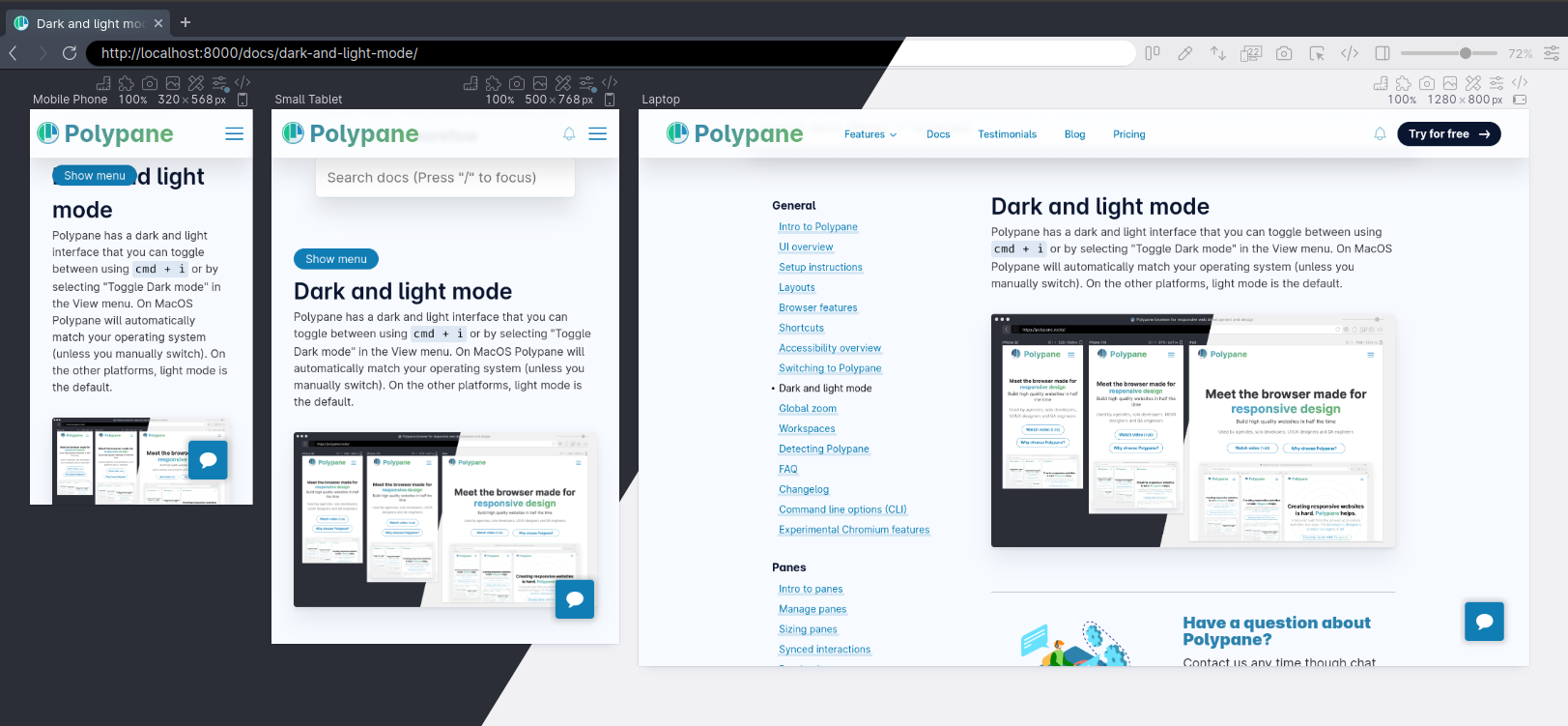
On macOS, Polypane automatically matches your operating system's appearance on first launch. On Windows and Linux, light mode is the default. You can override the OS setting at any time using the shortcut or menu option, and Polypane will remember your preference.
Testing your site's dark mode
Polypane's own interface dark/light mode is separate from your site's dark mode. To test how your site responds to prefers-color-scheme, use the media emulation toggle in the pane Emulation settings. This lets you force dark or light mode per pane independently of the Polypane UI, so you can compare both side by side at the same time.
See also
- Customizing Polypane for other ways to personalize the Polypane interface
- Emulation to force
prefers-color-scheme: darkorlighton a per-pane basis, as well as turning high contrast/forced color mode emulation on and off - Debug tools to simulate other visual conditions like color blindness or vision deficiencies
Have a question about Polypane?
Reach out via (real human) chat, Slack or our contact form:
Contact SupportBuild the way you already build, without missing anything.
Free 14 day trial, no credit card needed.
- 1 Create your account. Takes a minute.
- 2 Download the app. For Windows, Mac & Linux.
- 3 Build your next project with Polypane

